Clover for Services

Get paid anywhere the job takes you.

Clover for Services turns the phone in your pocket into the whole setup. Take a card with Tap to Pay, send an invoice, and run it all from one dashboard. No terminal required.

CloverGo
Amount due
$148.00
Hold the card near the top to pay
Tap to PayInvoicingAppointmentsRecurringVirtual terminalSales taxApp MarketQuickBooks syncClover CapitalReporting Tap to PayInvoicingAppointmentsRecurringVirtual terminalSales taxApp MarketQuickBooks syncClover CapitalReporting
Get paid, every way

However the customer wants to pay.

In the driveway, at the counter, online, or on a plan. One system takes it all.

No terminal required

Your phone is the card reader.

Tap to Pay takes chip, tap, and wallet payments right on the phone you carry, through the Clover Go app.

Virtual terminalKey in a phone or mail order from any browser.
Online and websiteA checkout and a branded site, no developer.
Service call100.00
Parts48.00
Total$148.00
Invoices, estimates, and recurringSend it, track it, get paid online. Plans bill themselves.
Text and QR to payDrop a link or a QR on the estimate.
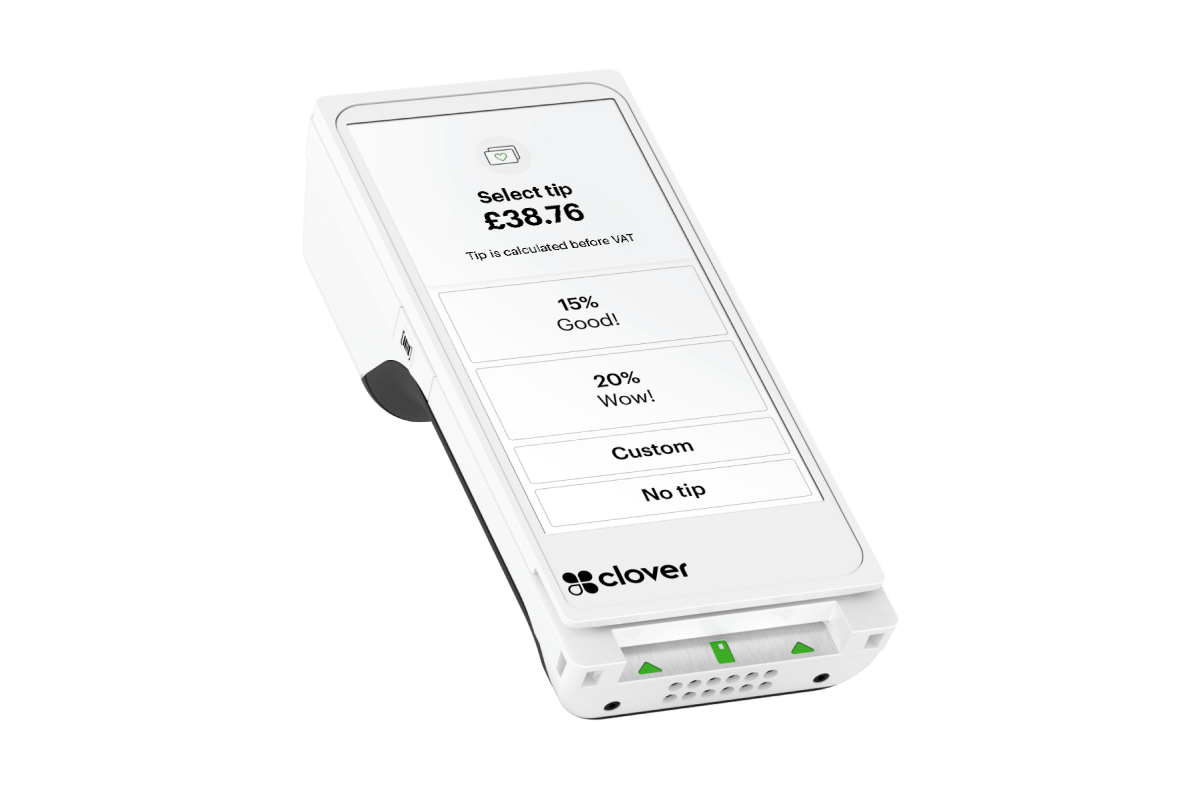
TipsPrompt for a tip on any screen.
Card on fileStore a card the compliant way.
Apple Pay and Google PayWallets welcome, in person or online.
Takes every major card and wallet
One dashboard

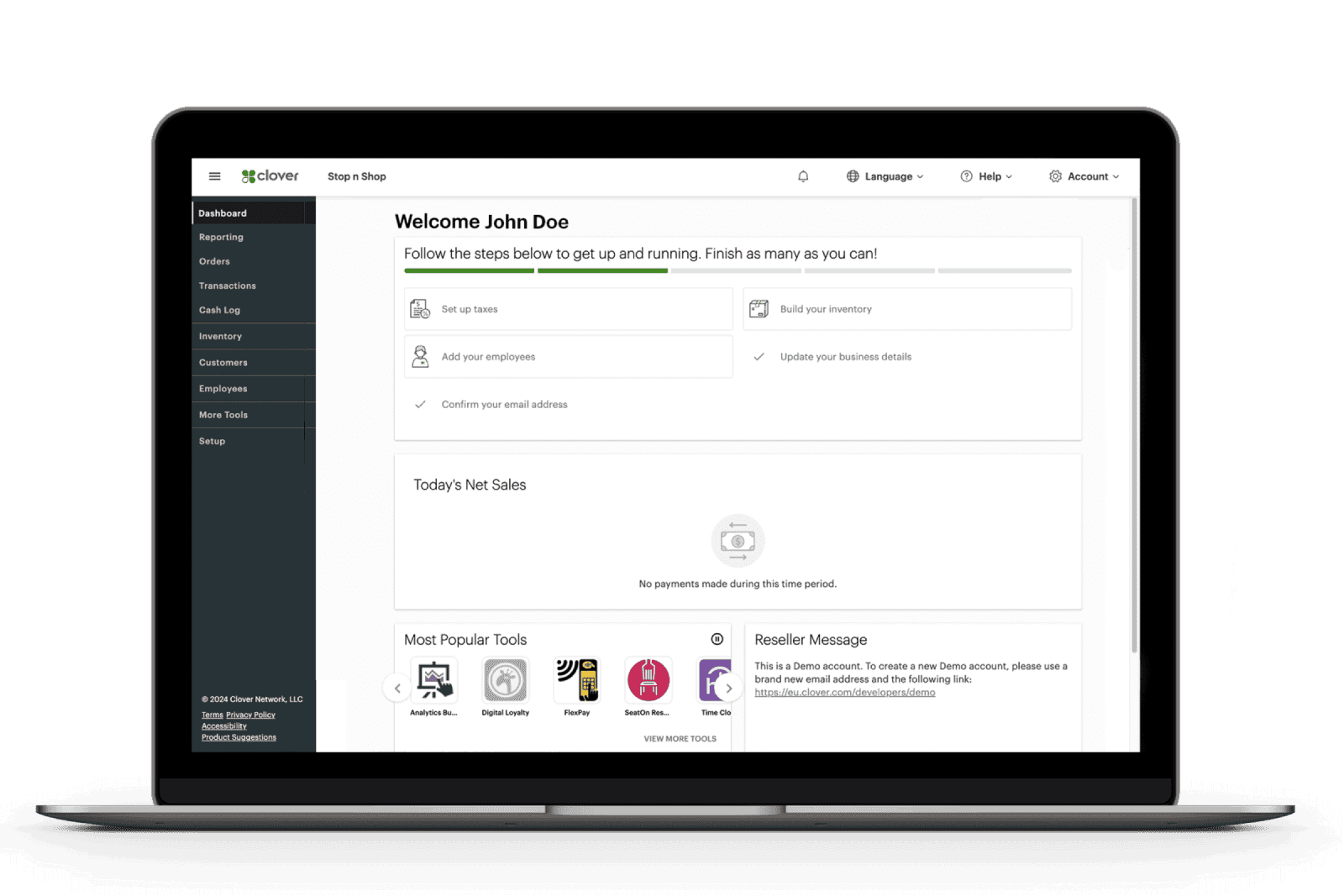
Run the whole business from one screen.

Payments are just the start. Clover for Services is the office, the field, and the front desk on one login.

  • See sales, deposits, and open invoices live
  • One place for customers, items, and team
  • Web or mobile, the same view either way
The Clover dashboard
WednesdayBooked online
8:00Open
9:00Foundation inspection
11:00Waterproofing quote
1:00Open
Online booking and appointments

Customers book while you work.

Give customers a link to book, reschedule, and prepay 24/7. No-show fees and reminders keep the calendar honest.

  • Self-serve booking, day or night
  • Prepayment and no-show fees cut the gaps
  • Reminders by text and email, sent for you
Customers and rewards

Turn one job into the next one.

Every payment builds a customer record. Add a rewards program, send an offer, and the repeat call comes to you.

  • Customer history tied to every payment
  • A loyalty program you set up in minutes
  • Promos, follow-ups, and feedback built in
Rewards

Your loyal customers, coming back.

8 of 10 visitsNext reward unlocked soon
Managing the business
The back office, handled

Team, inventory, and reporting in one place.

Run the crew and the numbers without a second system. Everything reports back to the same dashboard.

  • Employee roles, permissions, and time clock
  • Load parts and services, ring them by name
  • Sales by day, job, employee, and item
Take a paymentTap, chip, or key it in
Send an invoiceFrom the truck, before you leave
Check the scheduleToday's calls and bookings
See the numbersSales and deposits, live
In your pocket

The whole business, from your phone.

The Clover mobile app is the dashboard on the go. Take payments, send invoices, check the schedule, and watch the money land, without going back to the office.

Your money, at a glance
Sales tax set aside$312
Next filingAutomatic
Deposited today$4,280
The money, handled

The back office runs itself.

Clover keeps the numbers straight so you do not chase them at quarter-end.

  • Sales tax tracked, set aside, and filed for you
  • Rapid Deposit moves funds to your bank in minutes
  • Clover Capital for working capital as you grow
  • Gift cards, tips, and reporting all in the box
The Clover App Market ecosystem: accounting, loyalty, scheduling, and more
Clover App Market

Add whatever else you run.

Scheduling, payroll, accounting, reviews, and marketing, added to the same login in a couple of taps. Start with payments, grow into the rest.

500+ apps in the marketplace
QuickBooksDAVO Sales TaxPayrollTime clockReviewsand hundreds more
Plays well with your stack

Syncs with the tools you already run.

QuickBooksSales post to the books, no re-keying
Supportworks apps and i360Payments post back to the office
Clover App MarketHundreds of add-ons on tap
Optional hardware

Want a dedicated device? Add one.

The software runs with no hardware at all. When the counter or the crew wants a device of its own, three fit the trades.

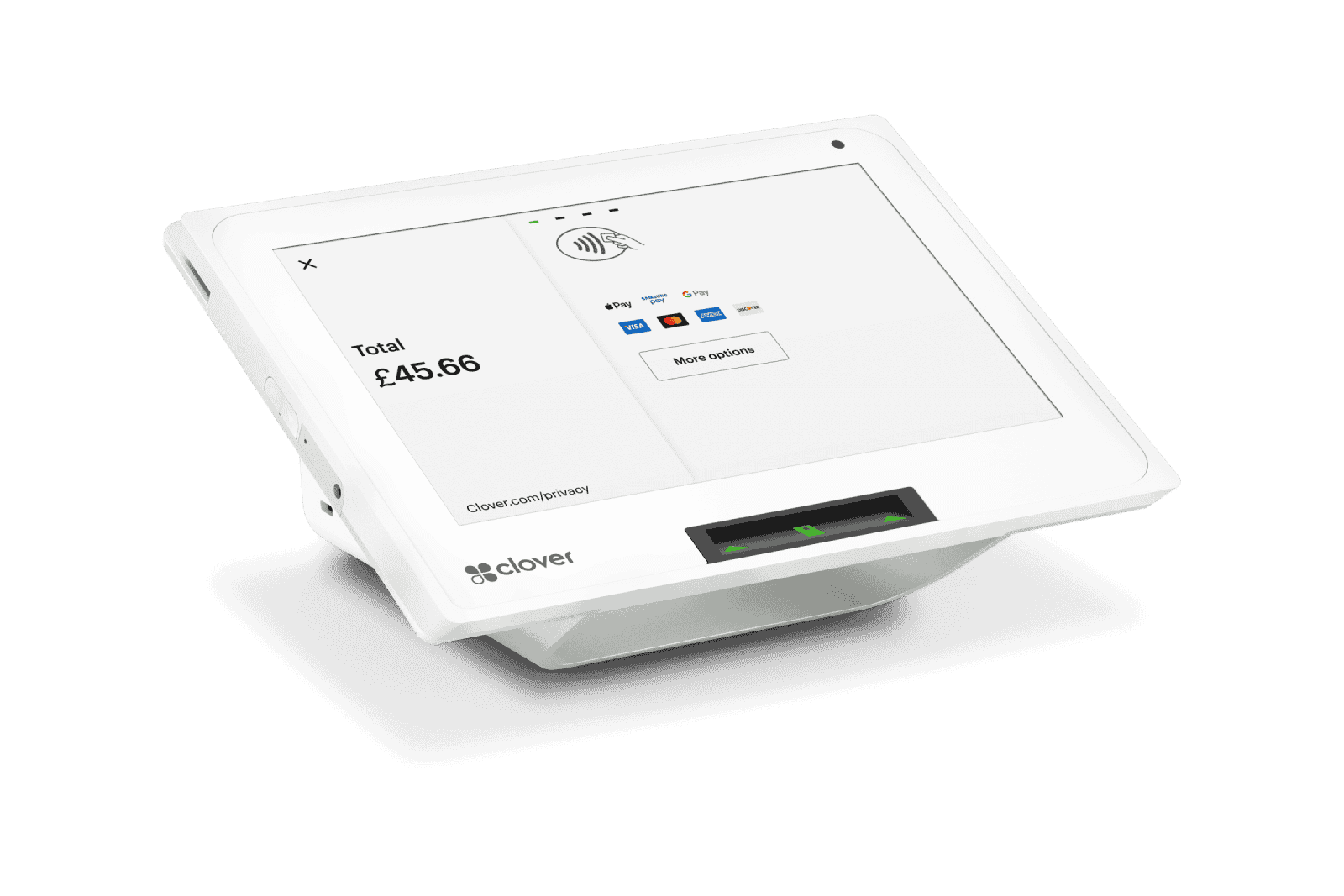
Clover Mini
Clover Mini

The front desk.

A compact countertop that takes every card and runs the full dashboard.

Clover Flex
Clover Flex

The handheld.

Takes a card in the driveway or at the truck, and prints a receipt on the spot.
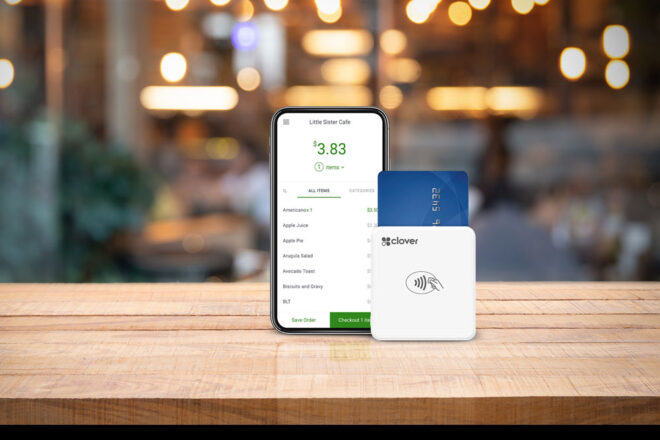
Clover Go reader
Clover Go

The pocket reader.

A Bluetooth reader that clips to a phone for the crew out on a call.

Dual pricing

Offset your card fees, the clean way.

Two prices on the screen, card and cash. Cash pays the lower price, and the card price offsets the processing cost.

  • Both prices shown up front, before anyone pays
  • Posted and disclosed the way the rules require
  • Set up to the letter by your PayNet team
On screen at checkout
Your ShopOrder #1042
Service call and parts100.00
Card price
$103.50
Pay with any card
Cash price
$100.00
Pay with cash
Your PayNet team handles
Setup and trainingDone for you
Dual pricing setupTo the letter
Who picks up when you callA name you know
The PayNet difference

One real person, not a ticket queue.

A setting to change or a batch that looks off? You reach a name you know, not a 1-800 line. Your account manager knows your shop and your setup.

Every Clover from PayNet comes with
Level 1 PCI security Dual pricing option QuickBooks sync A dedicated account manager
Straight answers

Clover questions, answered plainly.

Do I need to buy a terminal?
No. Clover for Services runs on the phone you already carry through the Clover Go app, with Tap to Pay for chip, tap, and wallet payments. A dedicated device like the Mini or Flex is there if you want one, not a requirement.
What does the software actually do?
It runs the whole business on one login: payments and invoicing, recurring billing and card on file, online booking and appointments, customer records and rewards, employee management, inventory, reporting, sales tax, gift cards, and the Clover App Market for anything else.
Can it handle my sales tax?
Yes. Clover tracks tax on every sale and, with sales tax automation, sets the money aside and files it for you, so nothing sneaks up at the end of the quarter.
Can customers book online?
Yes. Give customers a link to book, reschedule, and prepay 24/7, with reminders and no-show fees built in, so the calendar stays full and honest.
What is dual pricing, exactly?
Dual pricing shows the customer two posted prices before they pay, one for card and one for cash. Cash pays the lower price and the card price offsets the processing cost. Your PayNet team sets it up so it is disclosed the way the rules require.
Does it sync with QuickBooks?
Yes. Sales post to QuickBooks and back into the Supportworks apps and i360, so the office is not re-keying receipts. Your account manager helps set it up.
Who do I call when something needs fixing?
Your PayNet account manager, by name. Not a general support line with a case number.
Put Clover to work

Run it all from your pocket, backed by your PayNet team.

Tell us how you get paid. We set up Clover for Services, wire in your tools, and stand behind it. No cost to look.